Continuous network monitoring
Track latency, response, wireless signal and traffic on a shared timeline to record how your network changes.
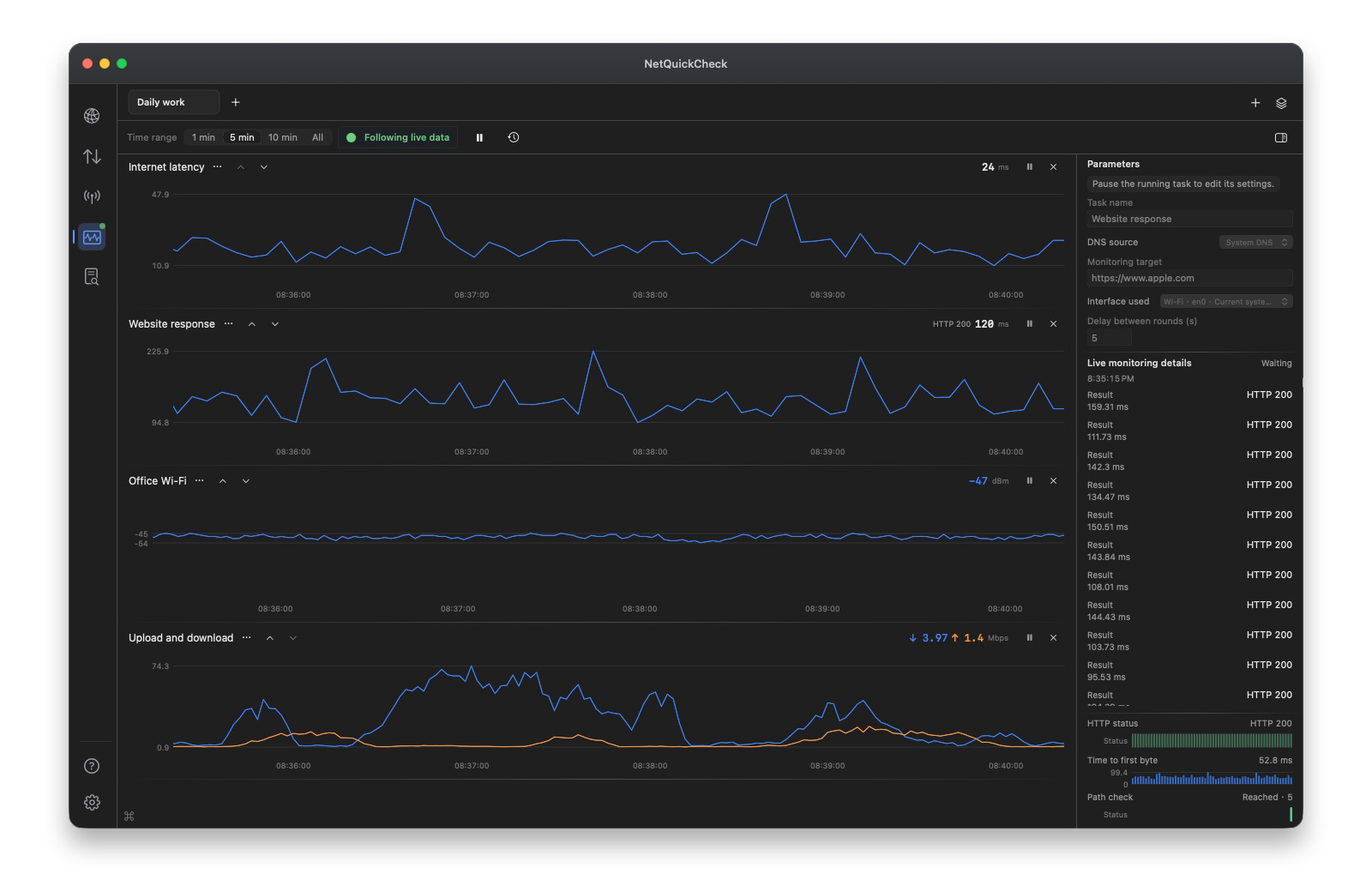
Combine ten monitoring tools as needed
- Ping
- Compare target response and latency over time.
- TCP ports
- Observe port connection status and timing.
- DNS
- Continuously check DNS resolution and returned records.
- Websites
- View HTTP status and request stage timing.
- Network path
- See probed hops and route responses.
- Speed test
- Observe upload and download speed.
- Wireless signal
- Track RSSI, noise and signal-to-noise ratio.
- Interface traffic
- Record transfer rates and total traffic.
- App traffic
- Continuously monitor bandwidth use by selected apps.
- App connections
- Record remote IP connections and changes in traffic.
Compare changes on one timeline
View tasks side by side, compare when an issue occurred and use request details to investigate the changes.
From monitoring to review
Review saved monitoring data in Records & Reports, then export reports, JSON or CSV for teamwork and further analysis.